
01
Download essentials, clearly organized
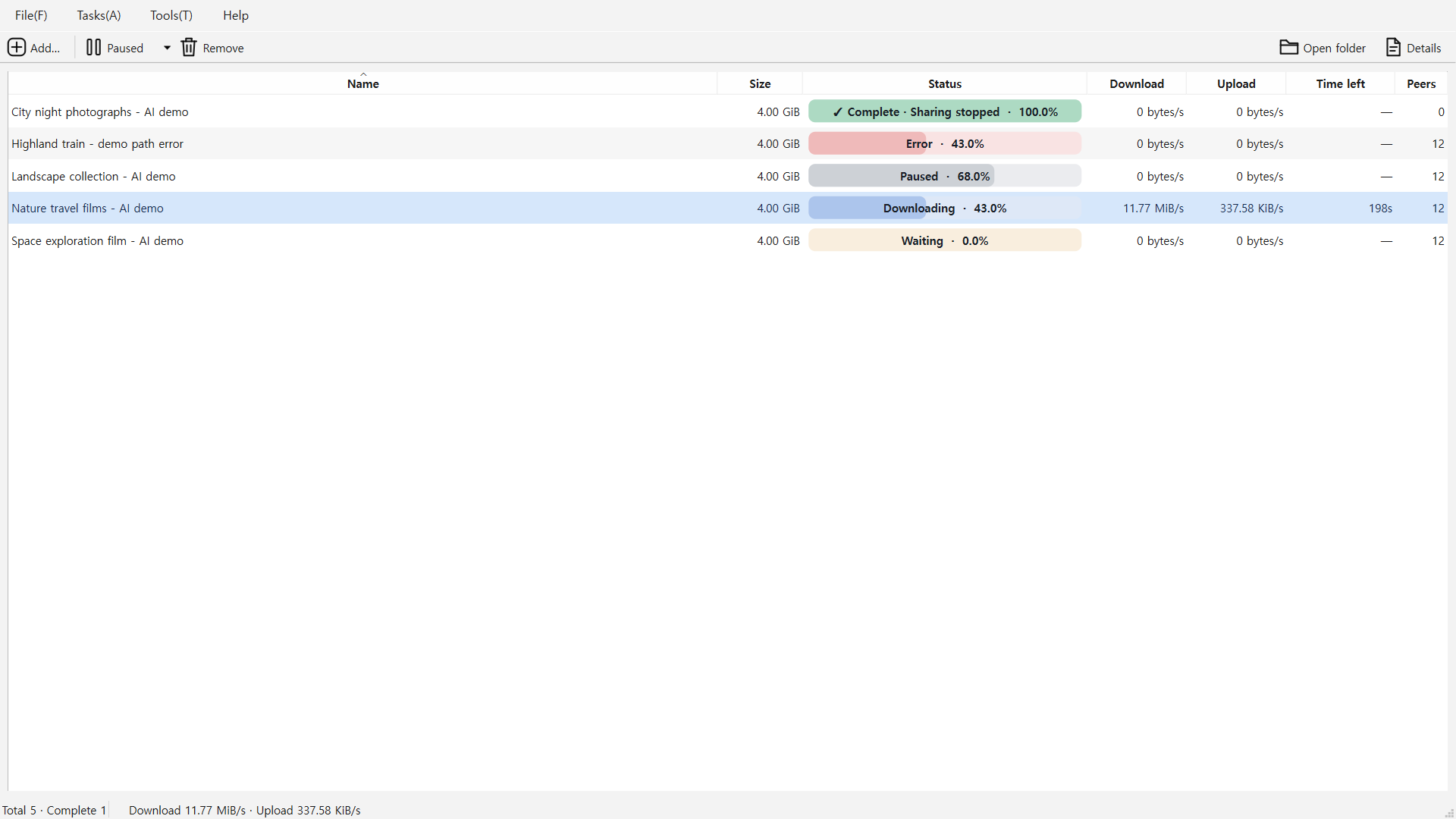
Follow progress, speed and remaining time in a lightweight task list. Manage the files you need without ads or a separate account.
 View larger ↗
TORRENT DOWNLOADER
Keep download essentials in one clear view. Choose files and follow progress. When they finish, downloading and sharing stop automatically.
Windows x64 · Ubuntu 24.04 x64
Free for personal and business use · No ads · Just the essentials
View larger ↗Screenshots show actual app UI. New Windows screenshots use AI-generated nature, cinematic and learning samples, original subtitles and design variants. The existing music and file-information examples are retained. Torrent tasks and figures are isolated demo data, not speed benchmarks. The interactive comparison is a separate web demo; Ubuntu layouts may differ.
MADE FOR THE WAY YOU USE IT
Follow progress, speed and remaining time in a lightweight task list. Manage the files you need without ads or a separate account.
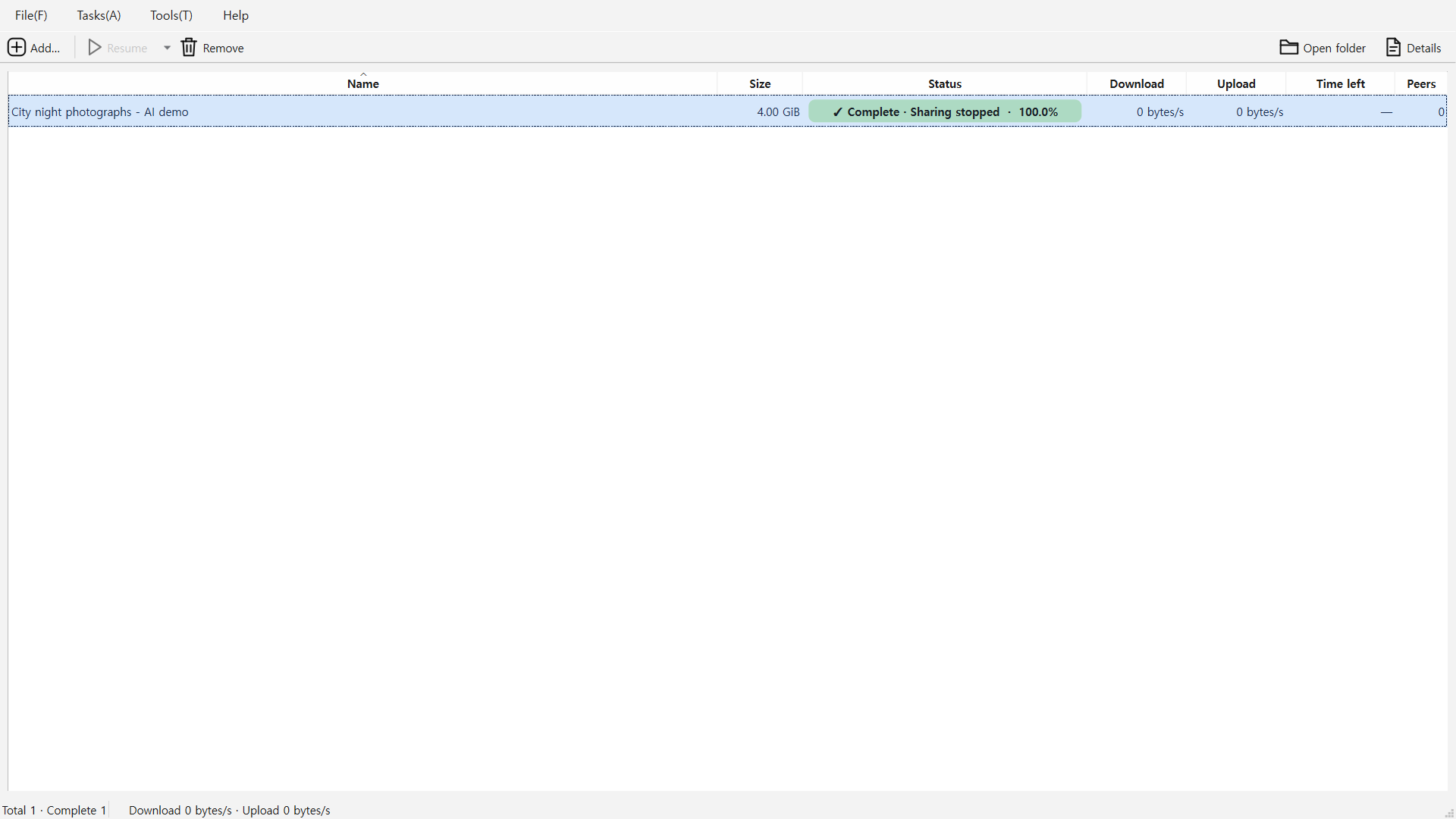
View larger ↗Once selected files finish, the task stops downloading and sharing. Completed tasks do not automatically resume sharing after restart or Resume all.
Pieces can be shared while downloading. Transfers stop after all selected files are received.
 View larger ↗
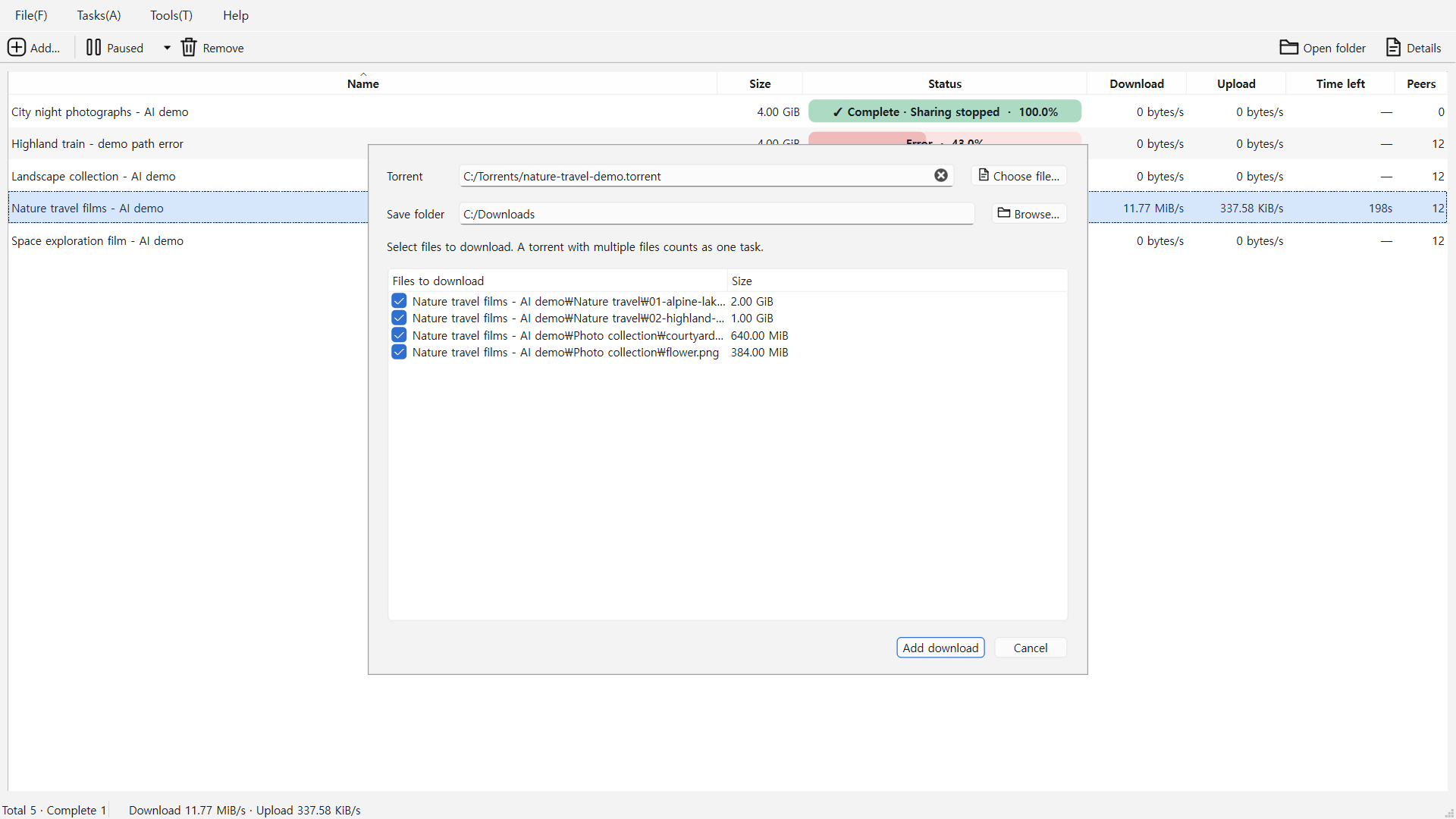
Select the files you need inside a torrent. For magnet links, change the selection in Details after metadata arrives.
 View larger ↗
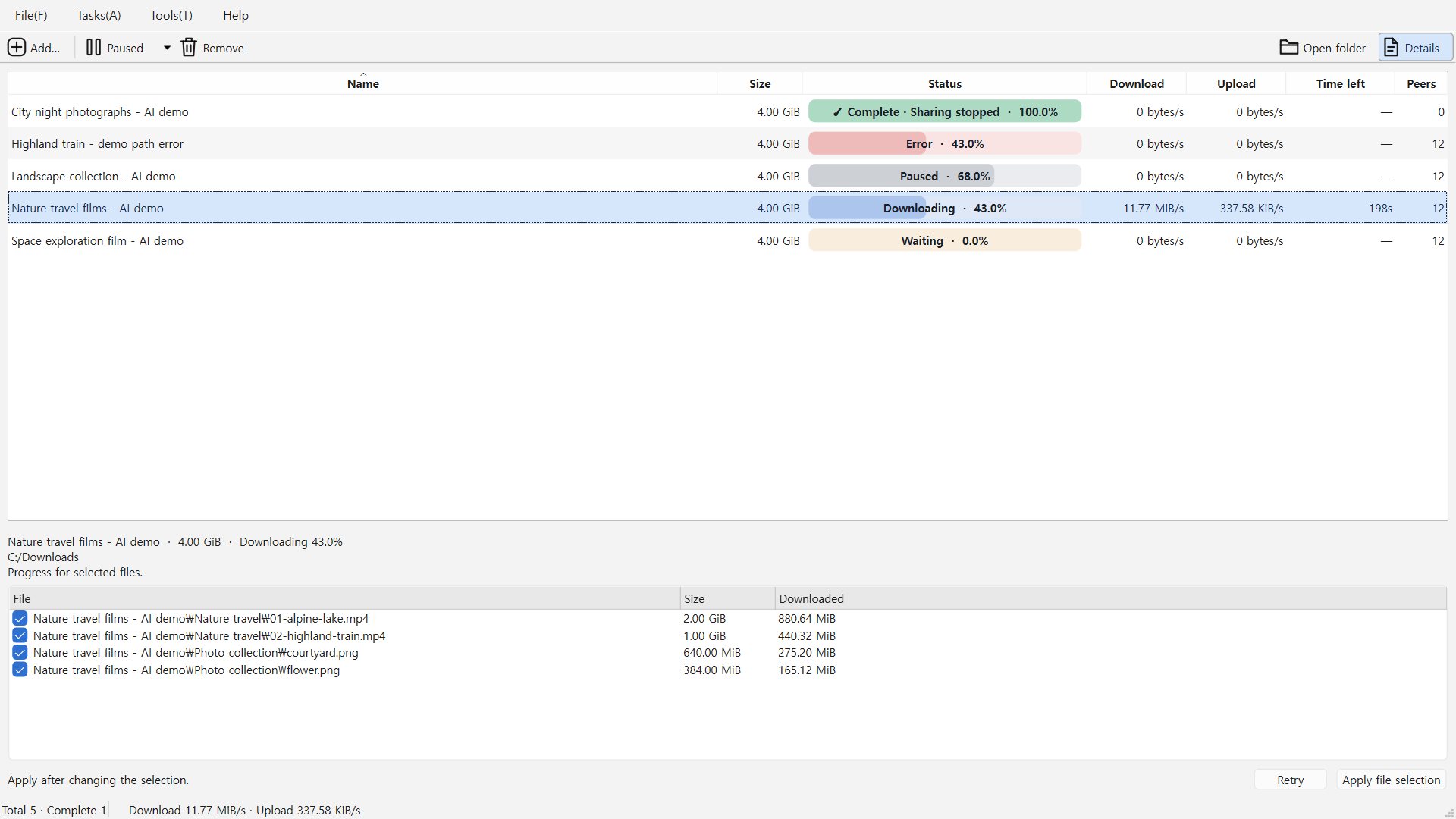
Organize several downloads in a queue and check progress per file. Manually paused tasks stay paused until you resume them.
 View larger ↗
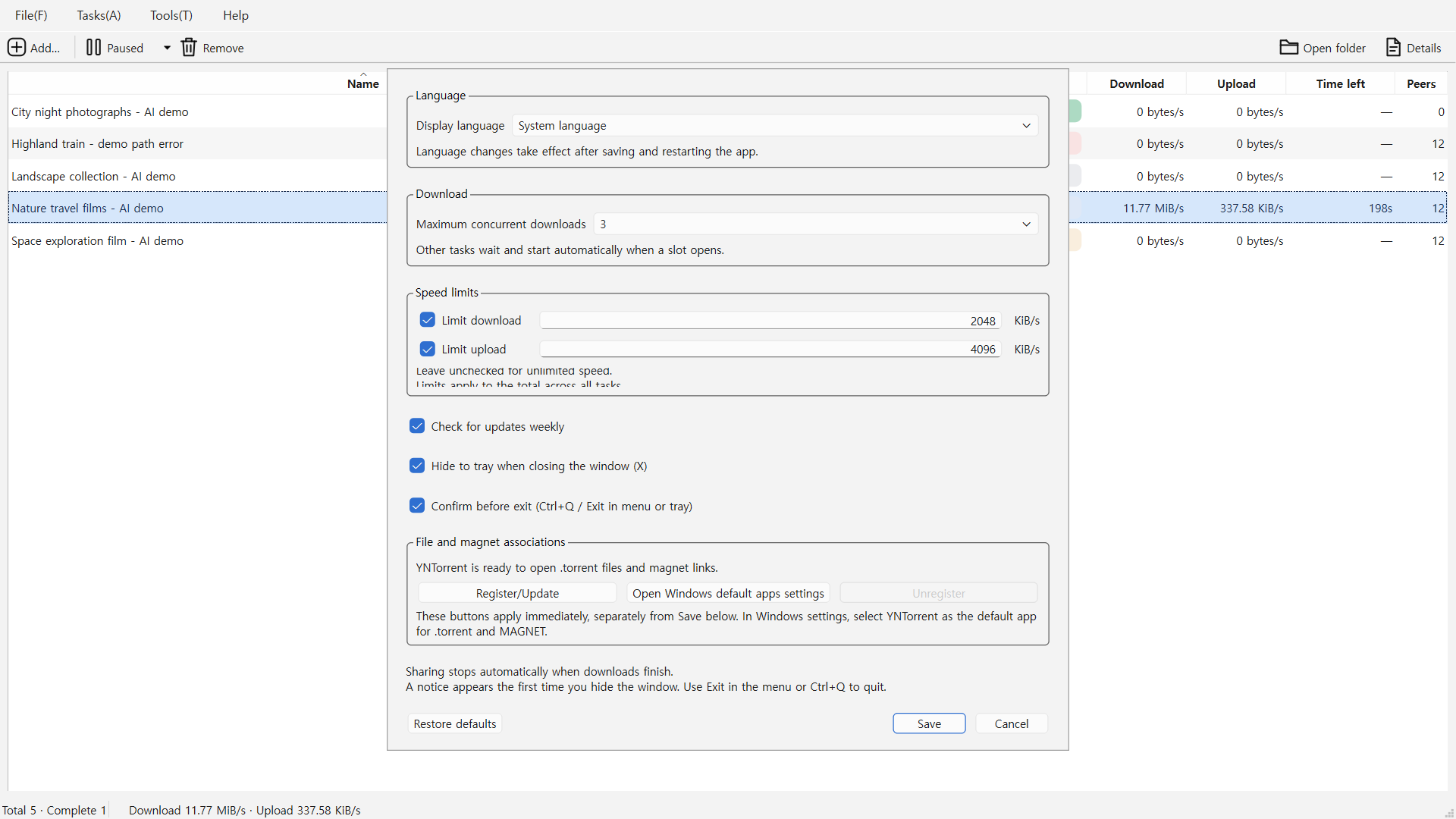
Choose simultaneous downloads and global download/upload limits. Configure completion notifications and what happens when closing the window.
 View larger ↗
READY IN A FEW STEPS
Targets Windows x64 and Ubuntu 24.04 x64. Supports .torrent files and magnet links. Pieces already received may be uploaded to peers while downloading. Once selected files finish and the task stops, the download slot becomes available.
Current downloads: Windows (Microsoft Store) v1.0.14.0 · Ubuntu 24.04 x64 v1.0.8.
Free for personal and business use · No ads · Just the essentials
Windows x64 · Ubuntu 24.04 x64