01
Lightweight viewing, focused on your photo
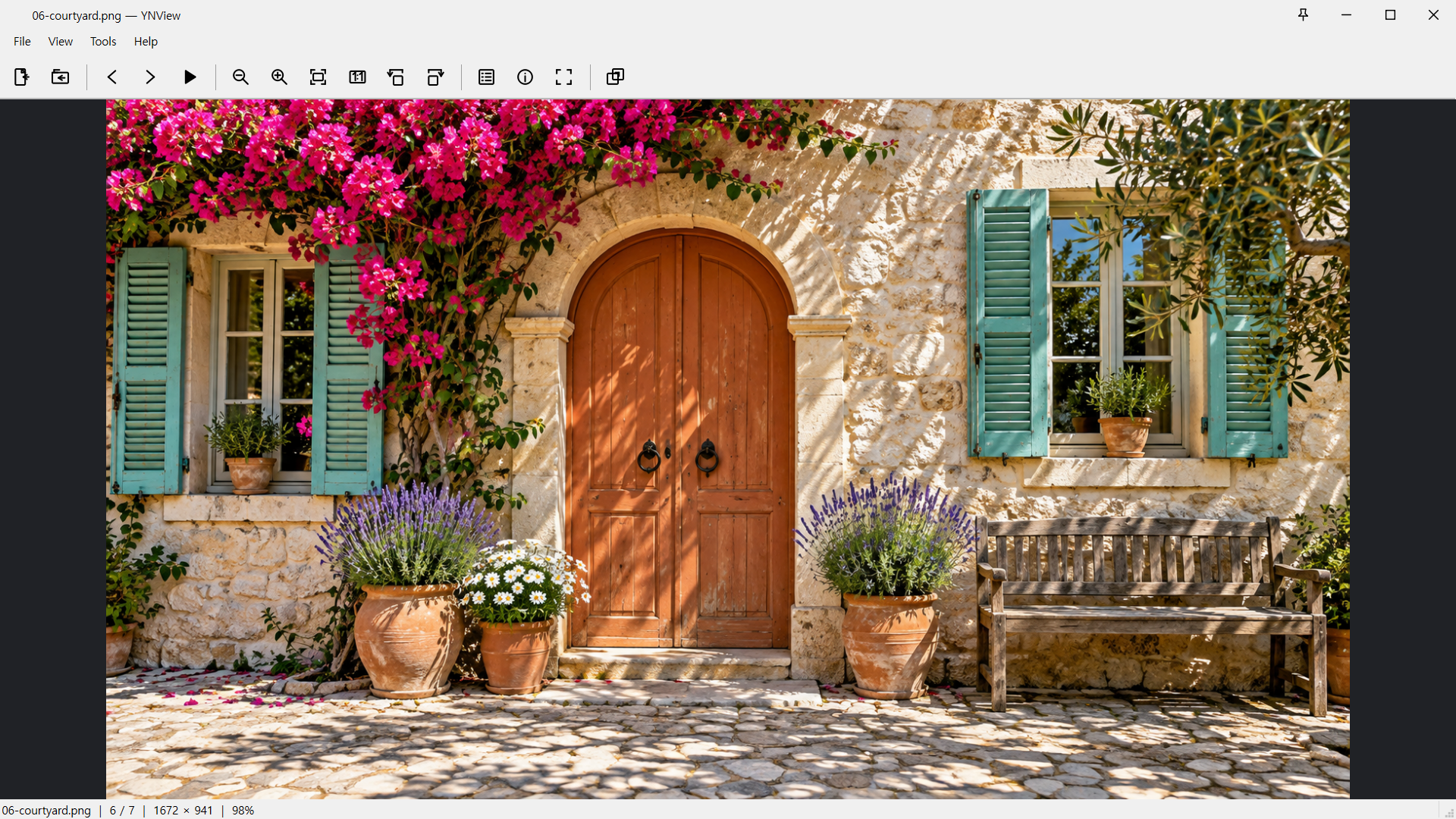
Open a picture and start looking. Fit to window, view original size or rotate without ads or a separate account.
 View larger ↗
IMAGE VIEWER
Open photos quickly with the viewing tools you need. Zoom into two design variants and slide between them to inspect subtle retouching changes.
Windows 11 x64 · Ubuntu 24.04 x64
Free for personal and business use · No ads · Just the essentials
View larger ↗Screenshots show actual app UI. New Windows screenshots use AI-generated nature, cinematic and learning samples, original subtitles and design variants. The existing music and file-information examples are retained. Torrent tasks and figures are isolated demo data, not speed benchmarks. The interactive comparison is a separate web demo; Ubuntu layouts may differ.
MADE FOR THE WAY YOU USE IT
Open a picture and start looking. Fit to window, view original size or rotate without ads or a separate account.
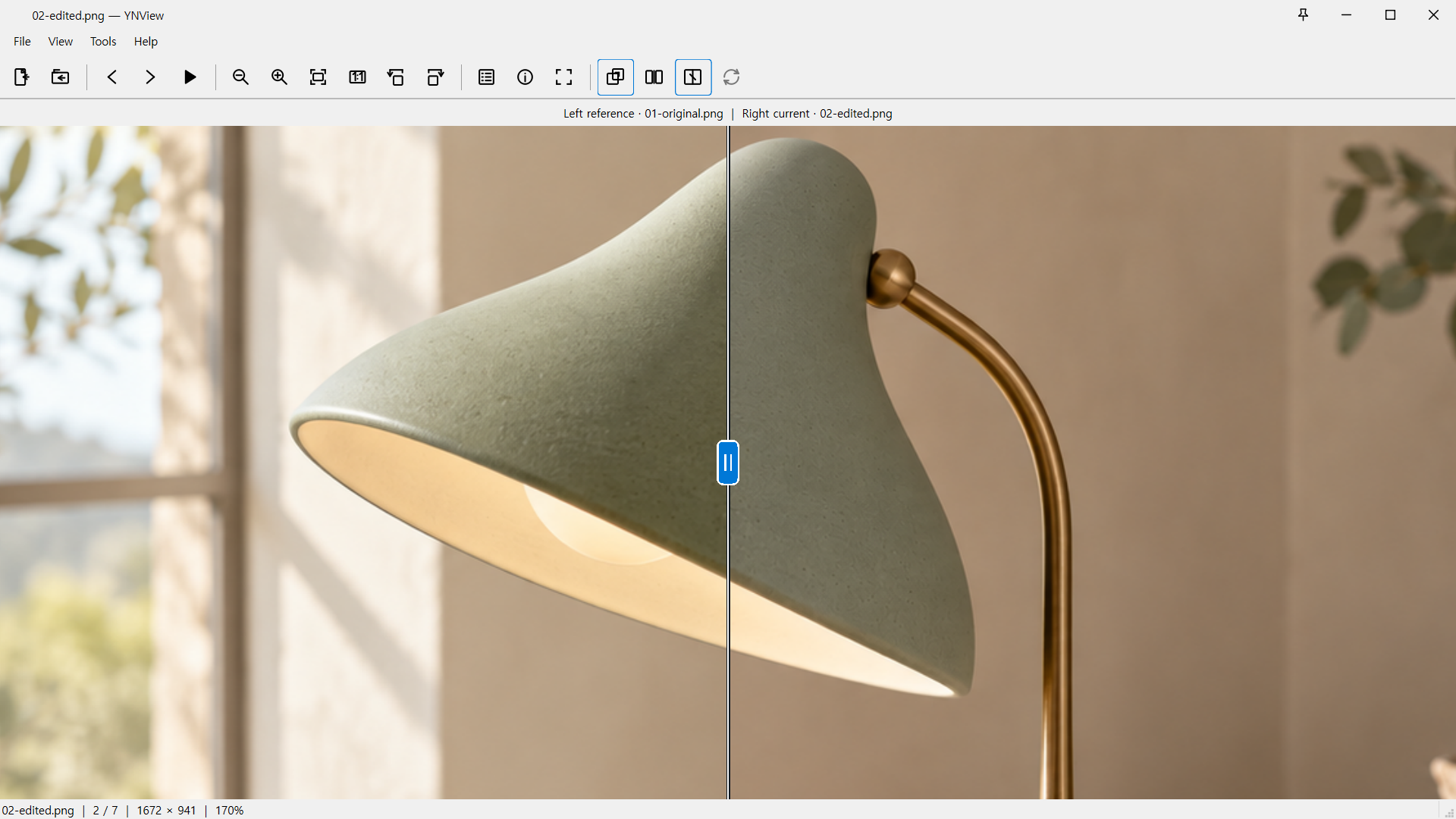
View larger ↗Compare matching areas of similar photos or design variants. Move the divider to inspect small changes in color, texture and edges—useful for design reviews and retouching checks.
 View larger ↗
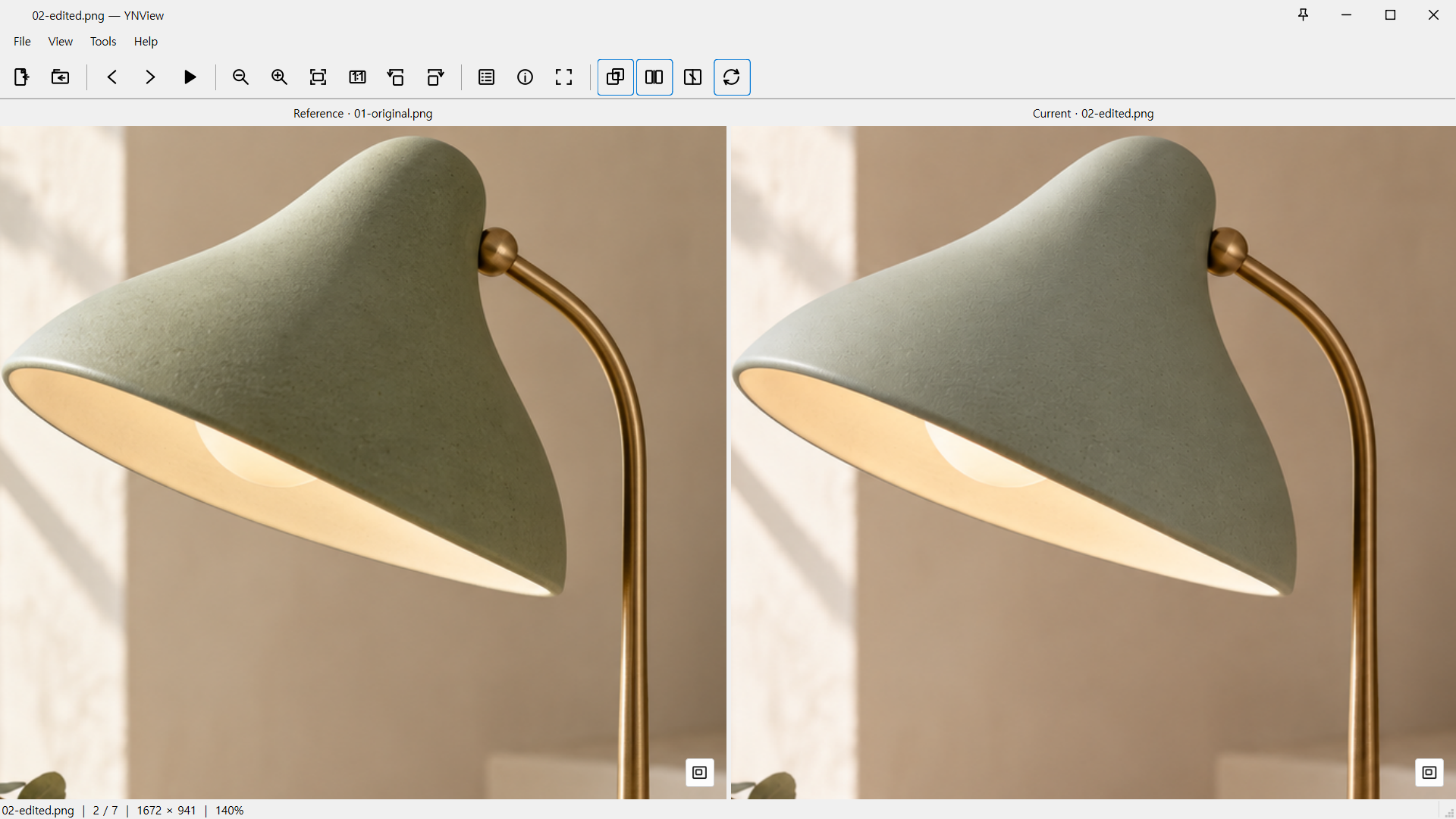
Synchronize zoom and pan to compare the same area in both images. Different image sizes retain their original pixel proportions. Comparing does not change your files.
 View larger ↗
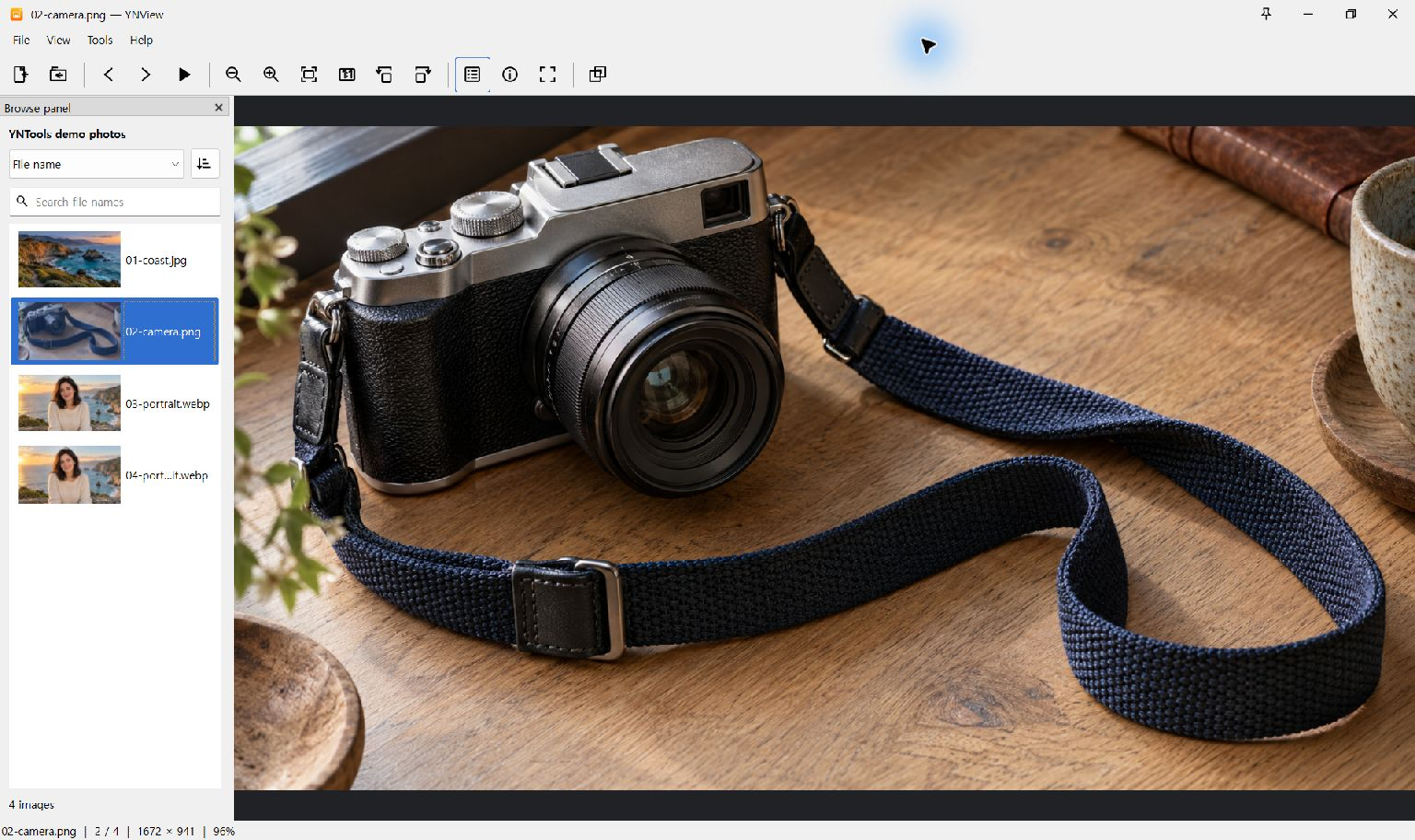
Browse thumbnails, search file names and sort the list. Changes in the current folder can be reflected automatically.
 View larger ↗
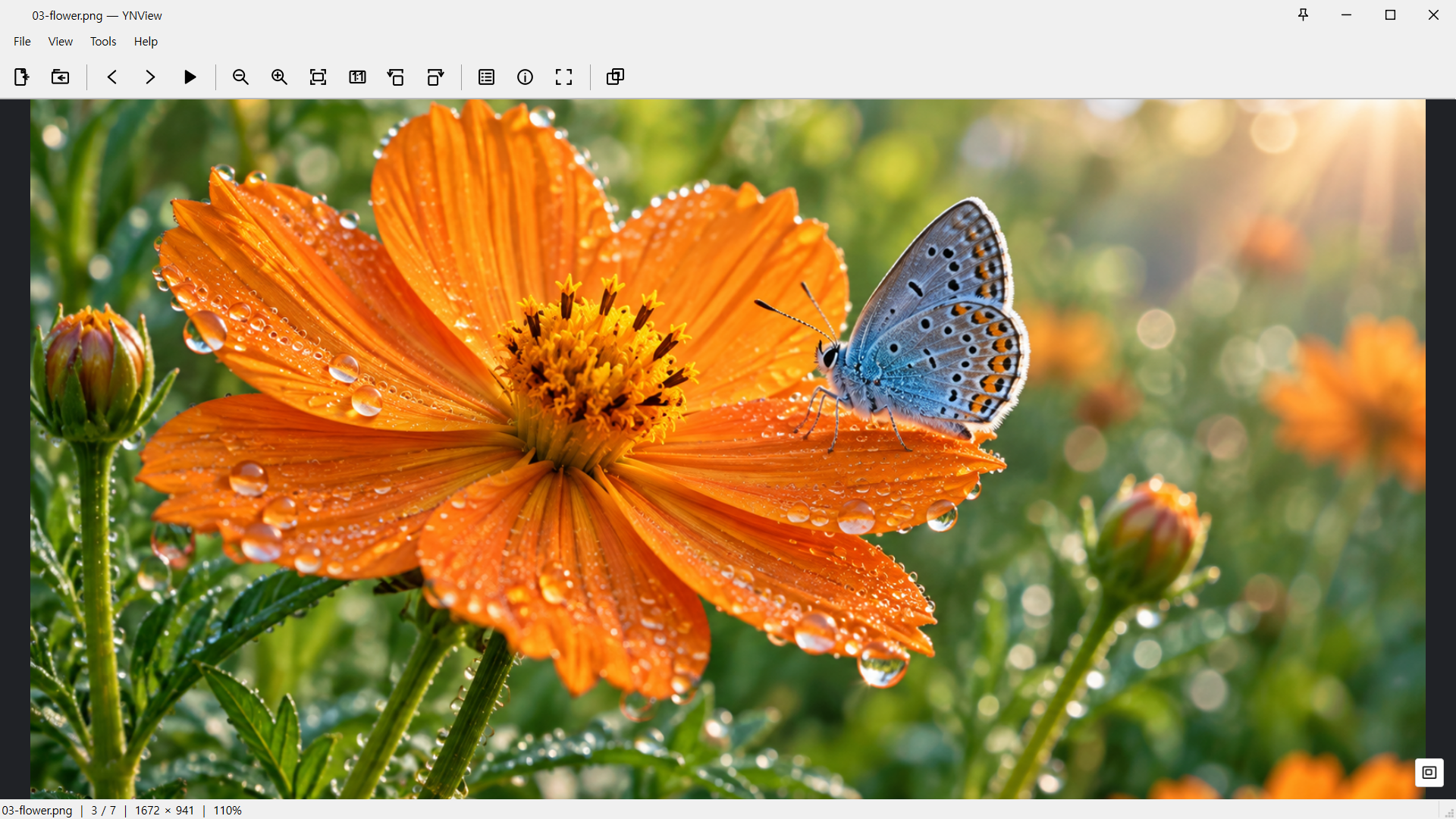
Use pointer-centered zoom or 1:1 viewing to inspect textures. The minimap keeps you oriented within an enlarged image.
 View larger ↗
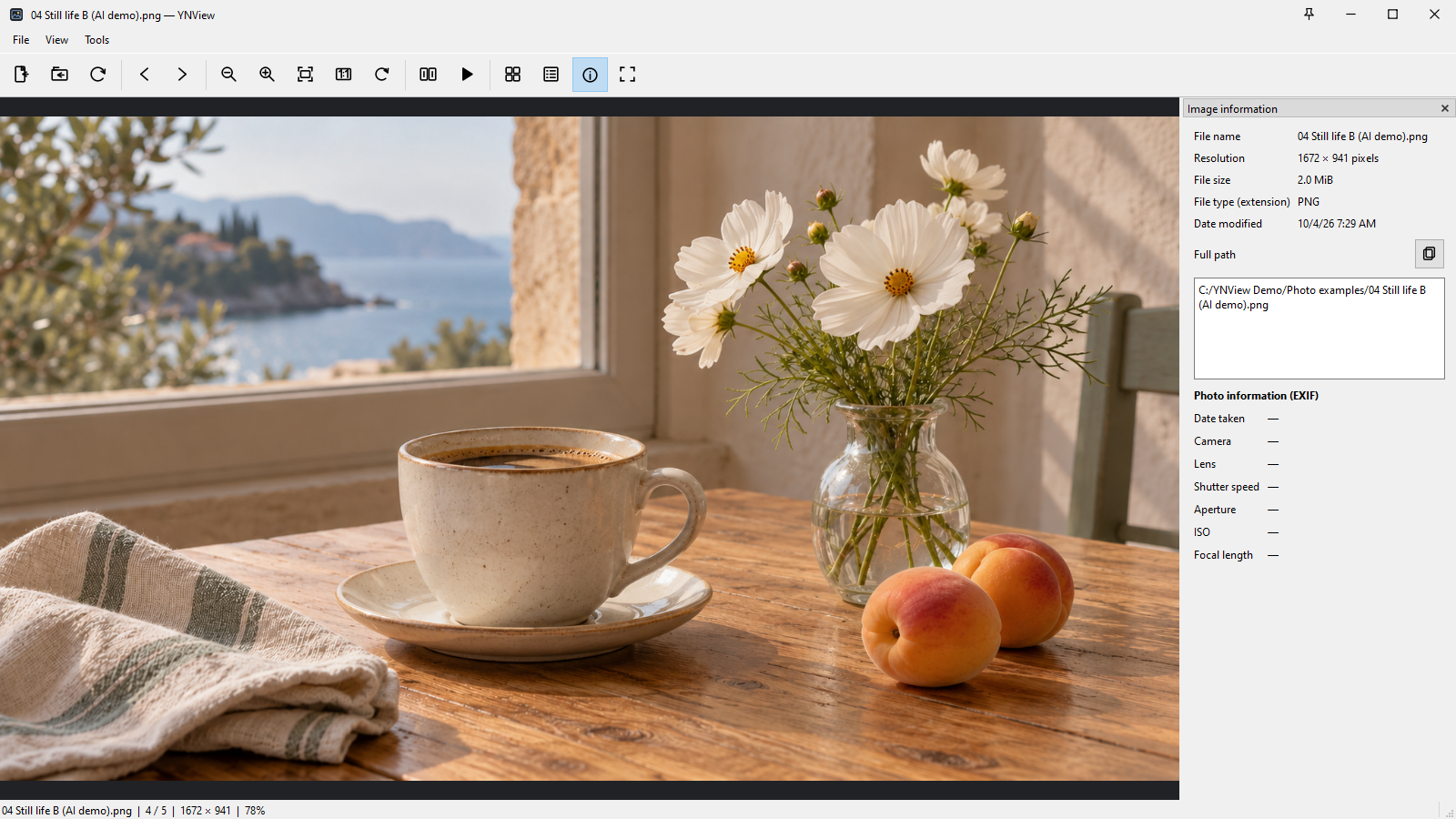
Read file names, dimensions, size and format in the information panel. Camera EXIF appears only when present in the file. This demo photo has no camera metadata.
 View larger ↗
TRY THE COMPARISON
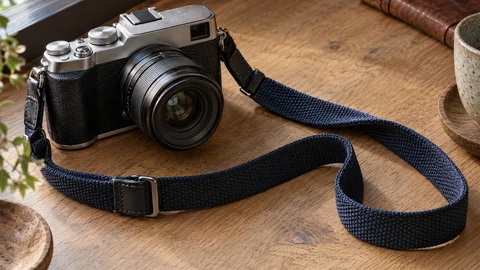
Zoom into the same area at the same scale to inspect fine textures and edges.
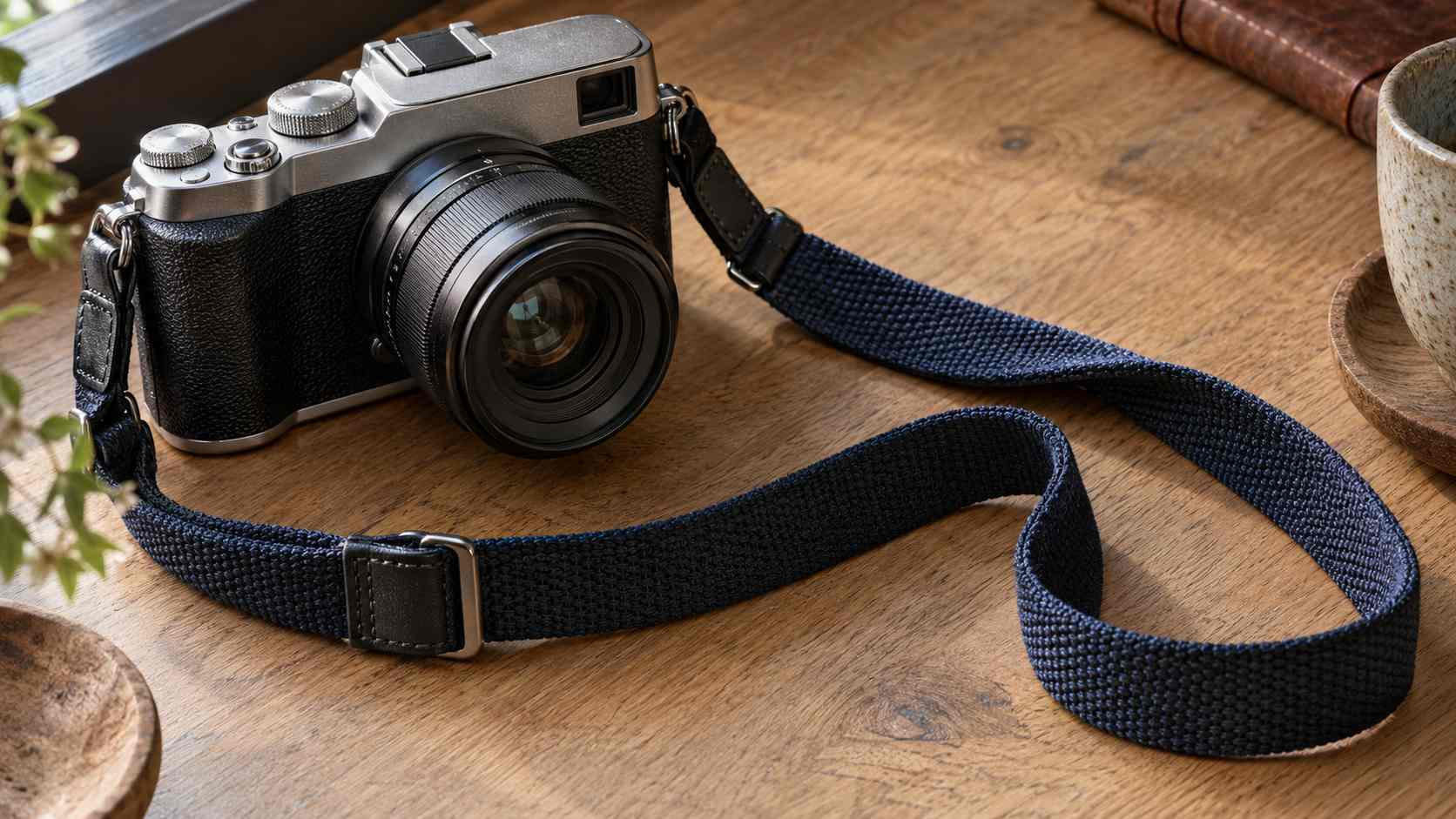
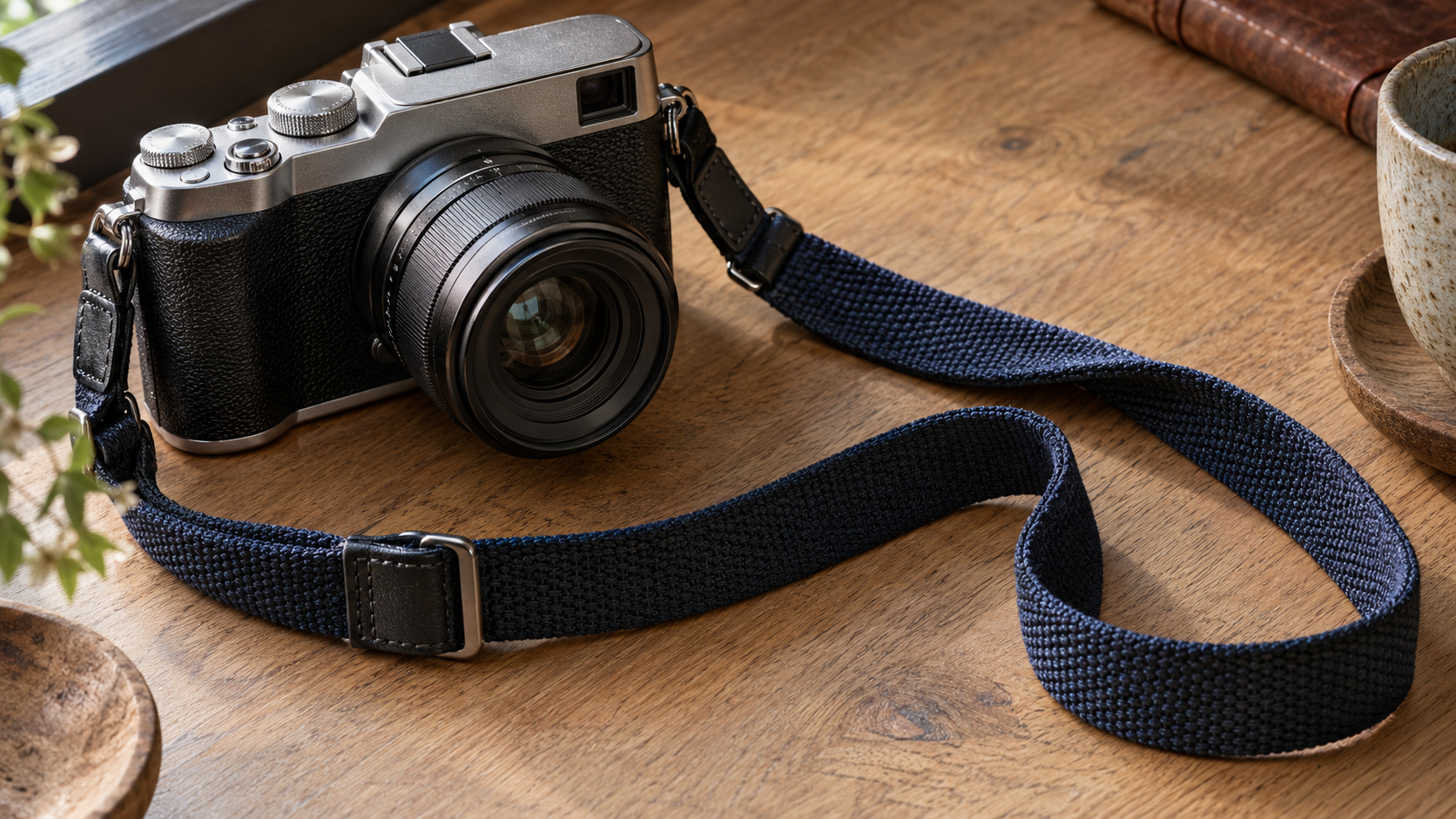
Inspect the threads and edges.The box marks the area shown above. Drag the enlarged image to move both views together.
READY IN A FEW STEPS
Targets Windows 11 x64 and Ubuntu 24.04 x64. Supports JPEG, PNG, BMP, GIF, WebP, AVIF, and HEIC/HEIF. GIF and WebP animation plays; AVIF and HEIC/HEIF show a representative still. RAW, HDR output and tone mapping, and professional color management are not currently supported.
Current downloads: Windows (Microsoft Store) v1.0.18.0 · Ubuntu 24.04 x64 v1.0.12.
Free for personal and business use · No ads · Just the essentials
Windows 11 x64 · Ubuntu 24.04 x64